
Stereo to 5.1 Audio Converter
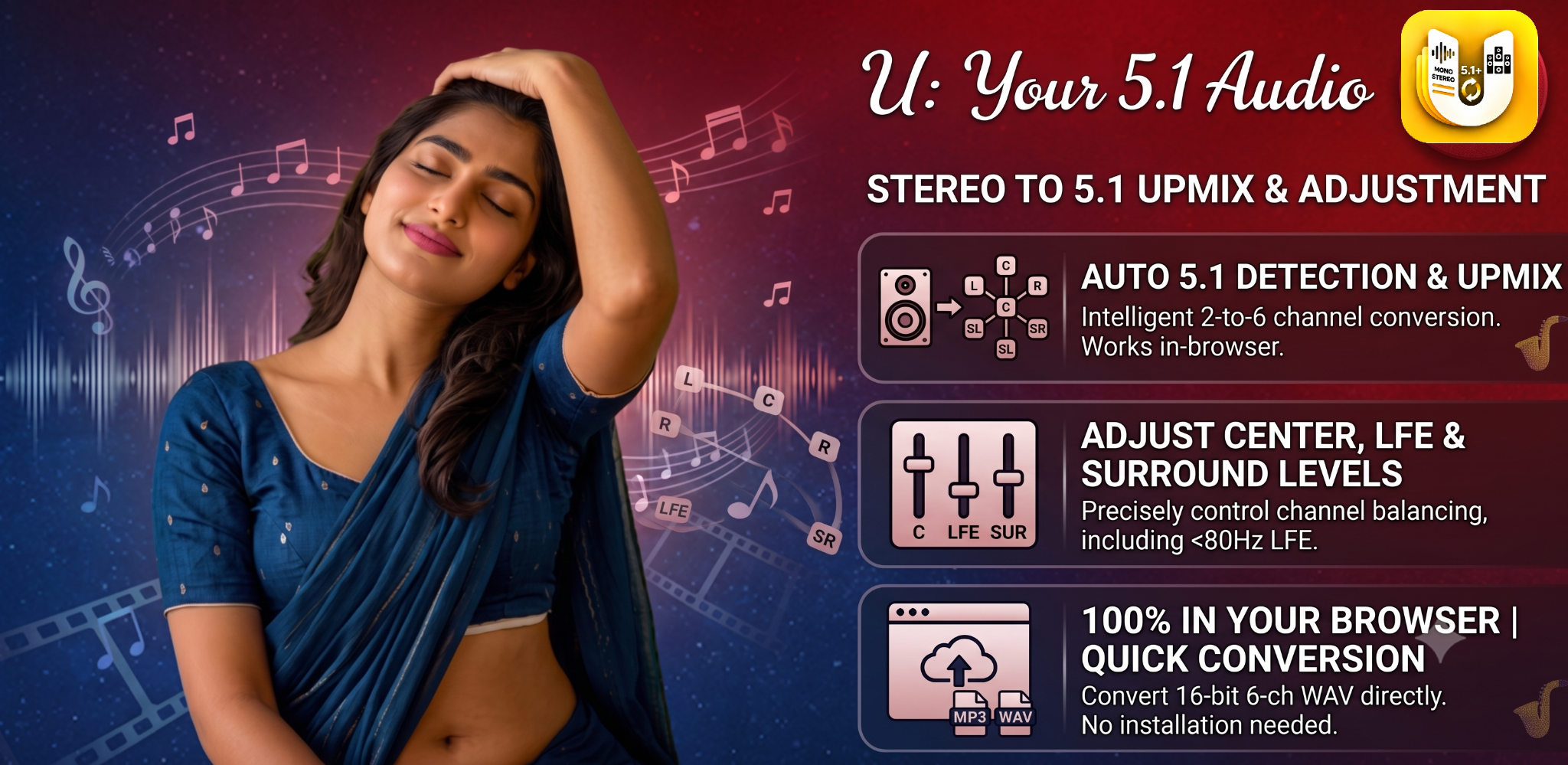
Convert stereo audio to a six-channel 5.1 WAV. Adjust Center, LFE and surround levels — privately in your browser.
Upload Audio
Choose Audio Fileor drop a file here
MP3, WAV, OGG, AAC, FLAC or M4A
Exports a real 6-channel 16-bit PCM WAV (FL, FR, FC, LFE, RL, RR — standard 5.1 order). Native 5.1 uploads are preserved; stereo uploads are upmixed. Compatible with VLC, DaVinci Resolve, Adobe Premiere, Audacity, and most DAWs. WAV is uncompressed, so it can be much larger than MP3.
Try these surround-ready Android apps
These Upmixify apps also support surround audio workflows. Tap any logo to open its app page, features and download options.
 Audio Player
 Video Player
 Audio Converter
 Audio Recorder
 Text to Dialogue
Stereo to 5.1 converter FAQs
Quick answers about converting stereo to 5.1 surround, six-channel WAV export, file size, supported formats and browser-based processing.
How can I convert stereo audio to 5.1 surround online for free?
Open the Upmixify Stereo to 5.1 Converter, choose a supported stereo audio file, adjust the channel controls if needed, then export the result as a six-channel 16-bit PCM WAV file. Processing is performed in the browser.
Does the converter create a real 5.1 audio file?
Yes. The exported WAV contains six discrete PCM channels: Front Left, Front Right, Center, LFE, Left Surround and Right Surround. For a stereo source, those extra channels are created by the upmix processing rather than recovered from an original multichannel master.
Can I convert MP3, WAV, FLAC, AAC or M4A to 5.1?
The tool accepts browser-decodable audio such as MP3, WAV, OGG, AAC, FLAC and M4A. Whether a particular file opens depends on the codec support available in your browser and operating system.
What happens if I upload a native 5.1 audio file?
When the browser exposes the source as six channels, the tool can preserve the native 5.1 layout and let you adjust channel levels before exporting a new six-channel PCM WAV.
Can I adjust Center, LFE and surround levels?
Yes. The 5.1 mixer includes per-channel controls and processing options so you can balance the Front, Center, LFE and Surround channels before export.
Why is the exported 5.1 WAV file much larger than my MP3 or AAC file?
The exported file is uncompressed multichannel PCM WAV. Six PCM channels require substantially more storage than a compressed stereo format such as MP3 or AAC, so a larger output file is normal.
Does Upmixify upload my audio while converting it?
Normal conversion is handled locally in the browser. The selected audio is decoded, processed and prepared for export on your device rather than being uploaded for server-side conversion.
Can I use the exported 5.1 WAV in a video editor?
A six-channel PCM WAV is a standard multichannel audio file. Editors that support multichannel WAV can import it, although you may need to configure the clip or timeline channel mapping inside your editing software.
Why does a file fail to load or appear as stereo?
The browser must be able to decode the file and expose its channels. Codec, container, device and operating system support vary, so some files may fail to decode or may be presented to the web tool as stereo.
Does stereo to 5.1 conversion recreate the original studio surround mix?
No. Upmixing derives Center, LFE and Surround content from the stereo source using audio processing. It can create a useful six-channel surround layout, but it cannot recover separate original studio stems that are not present in the stereo file.
Can I preview the result before exporting?
Yes. After loading a file, the tool provides preview controls so you can listen while adjusting processing and channel levels before creating the final WAV.
Are there browser or file-size limits?
Yes. Large audio files require more device memory because decoding and six-channel processing happen in the browser. Practical limits depend on your browser, available RAM and the length and sample rate of the source file.