
🔊 Audio Channel Tester
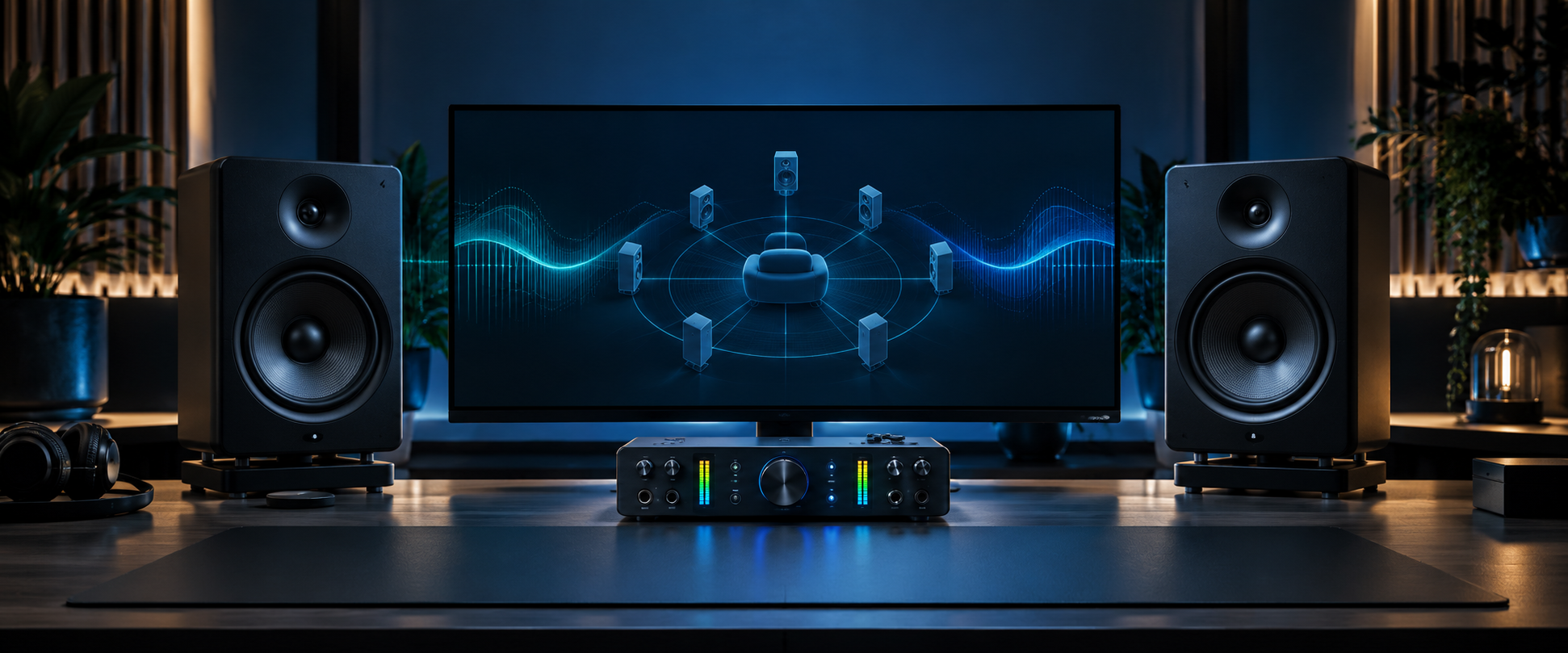
Upload any audio file to visualize its channel layout in a virtual home theater
Upload Audio
or drop a file here
WAV, FLAC, AAC, AC3, EAC3, MP3, M4A, MP4 or MKV
How to Use
- Upload an audio file — WAV, FLAC, AC3, EAC3, AAC, MP3 or MP4
- The tool detects channel count and maps it to a speaker layout automatically
- Watch the virtual home theater — active speakers glow with real-time sound waves
- Use the Live Channel Meters to confirm each speaker channel has signal
- Use Quick Test Tones to verify your speaker setup without a file
- For advanced multichannel files: browser decoding and channel detection can vary by device and operating system
Try these surround-ready Android apps
These Upmixify apps also support surround audio workflows. Tap any logo to open its app page, features and download options.
 Audio Player
 Video Player
 Audio Converter
 Audio Recorder
 Text to Dialogue
Audio channel tester FAQs
Answers to common questions about testing stereo, 5.1 and 7.1 surround sound, channel detection, speaker mapping and browser format support.
How can I test 5.1 surround sound online?
Use the free Upmixify Audio Channel Tester. Load a supported multichannel audio file or choose the 5.1 quick test tone. The virtual home theater and live channel meters help you check Front Left, Front Right, Center, LFE and surround channel activity.
Can this tool tell whether my audio file is stereo, 5.1 or 7.1?
For audio the browser can decode, the tester reads the decoded channel count and maps it to a stereo, 5.1 or 7.1 speaker layout. The Audio Properties and Channel Map panels show the detected information.
Why does my 5.1 file show as stereo in the browser?
Browser decoding support varies by file container, codec, operating system and device. A multichannel file can be decoded or exposed as stereo by the browser even when the original file contains more channels. Try a browser-supported WAV or another compatible version of the file.
Which audio formats can I test online?
The file picker accepts common audio and media formats including WAV, FLAC, AAC, MP3, M4A, AC3, EAC3, MP4 and MKV. Actual analysis and playback depend on whether your browser can decode the codec inside the file.
Can I test individual 5.1 and 7.1 speaker channels?
Yes. The Quick Test Tones provide stereo, 5.1 and 7.1 tests. When a supported file is loaded, live channel meters and the virtual speaker display also show which channels are active.
Does the Audio Channel Tester upload my audio files?
Normal local file analysis runs in your browser. The file you choose from your device is processed locally for playback, visualization and channel analysis.
Can the tester analyze an audio file from a URL?
Yes, you can enter a direct media URL. The remote server must allow the browser to access the media, and CORS or codec restrictions can prevent analysis even when the URL itself works in another player.
Can I test advanced multichannel files in a web browser?
You can select many multichannel file types, but browser support is not guaranteed. The result depends on the browser and operating system decoder. The tester can only analyze the channels the browser successfully exposes.
Is this a real speaker hardware test?
The tool visualizes decoded audio channels and provides browser-generated quick test tones. Actual sound routing to physical speakers still depends on your operating system, browser, HDMI or audio device, driver settings and speaker configuration.
What should I use after checking the channel layout?
If you want to create a 5.1 file, open the Upmixify Stereo to 5.1 Converter. It can upmix stereo audio or adjust supported native 5.1 audio and export a six-channel PCM WAV file.