
DLNA / UPnP folder broadcasting
Official Upmixify app
Upmixify FTA Media Server
Turn your phone into a powerful wireless media hub! Stream, cast, and share your media to any TV or device instantly.
OfficialUpmixify release
AndroidPhone, tablet & TV support varies
Free downloadGoogle Play available
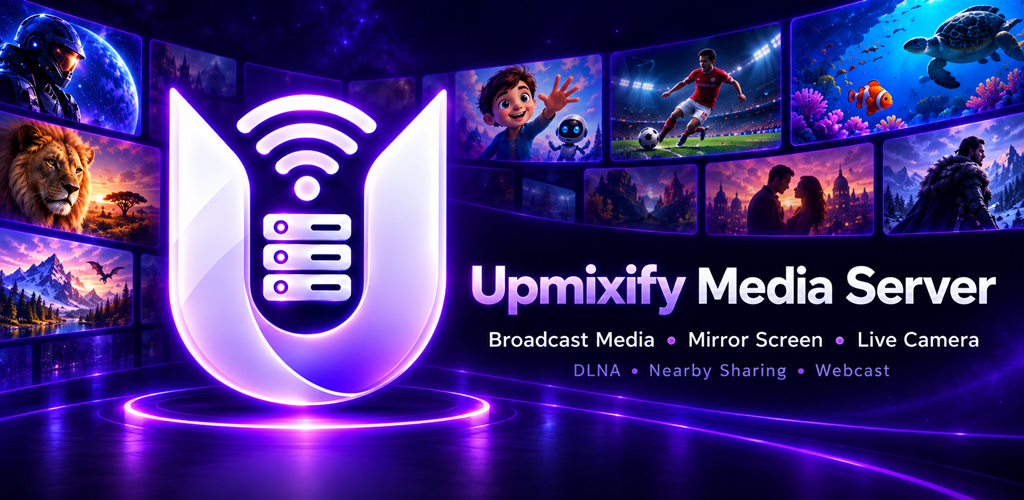
Your personal wireless media hub.
TURN YOUR DEVICE INTO A PERSONAL WIRELESS MEDIA HUB
Why struggle with USB cables, complex setups, or slow cloud uploads? With Upmixify Media Server, you can instantly transform your smartphone into a powerful, lightweight media server.
Whether you want to enjoy a movie on your Smart TV, share holiday photos with family, or access your phone's music on a laptop, Upmixify makes it happen seamlessly over your local Wi-Fi or mobile hotspot!
WHY YOU'LL LOVE UPMIXIFY
📺 Enjoy on the Big Screen (DLNA & Chromecast)
Instantly beam your favorite videos, music, and photos directly to your Smart TV, TV box, or Chromecast. Say goodbye to cables and enjoy your media the way it was meant to be seen!
💻 Access Anywhere via Webcast
Want to view your phone's files on a PC or laptop? Simply use our Webcast feature to stream media directly through any web browser on your local network. No extra software needed!
📱 Seamless Screen Mirroring
Share exactly what’s on your phone screen with compatible devices. Perfect for giving presentations, sharing gameplay, or browsing apps together with friends.
📂 Total Control (Share Files or Folders)
You have complete control over your privacy. Choose to share a single quick video, or broadcast an entire media folder in just one tap.
📶 No Internet? No Problem!
Upmixify works entirely on your local Wi-Fi network or mobile hotspot. Stream your personal media locally without using up your mobile data or waiting for slow cloud uploads.
🔗 Bluetooth & Direct Sharing
Easily connect and discover nearby devices automatically, ensuring you can share your content smoothly across all your gadgets.
HOW IT WORKS
Connect your devices to the same Wi-Fi network or Mobile Hotspot.
Open Upmixify and select the file or folder you want to share.
Choose your sharing method (Cast, DLNA, Webcast, or Mirroring) and enjoy!
Perfect for home entertainment, sharing authorized content with friends, and local network streaming.
Important Disclaimer
Upmixify Media Server is a local network utility tool. It does not provide, host, or distribute online media, TV channels, movies, or copyrighted content. This app is designed strictly for streaming your own personal or authorized content locally. Users are solely responsible for the media they choose to stream and share on their network.
Highlights
Everything you need to share locally
Local HTTP streaming
Wi-Fi Direct nearby discovery
Screen mirroring and live camera streaming
Chromecast support through the official Cast flow
Watch
See Upmixify FTA Media Server in action
Frequently asked questions
Upmixify FTA Media Server FAQ
Practical answers about features, compatibility, downloads and common Upmixify FTA Media Server use cases.
How can I turn an Android phone or TV box into a DLNA media server?
Upmixify FTA Media Server is designed to share supported videos, music and media folders over a local network so compatible DLNA or UPnP clients can discover and play them.
Can Upmixify FTA Media Server stream my local files over home Wi-Fi without cloud upload?
Yes. Its main workflow is local-network media sharing, so supported files can be served across your home network without first uploading the media to a cloud storage service.
Does the Android media server support DLNA and UPnP devices?
DLNA and UPnP folder broadcasting are listed features. Discovery and playback depend on both devices being on a compatible network and on the receiving client supporting the media format.
Can I use my Android device as a local HTTP media streaming server?
The app includes local HTTP streaming as part of its media-serving feature set for compatible devices on the network.
Can the media server share videos to smart TVs on the same Wi-Fi network?
Compatible smart TVs or media clients that support the available DLNA, UPnP, HTTP or Cast workflow may be able to access supported media from the Android server device.
Does Upmixify FTA Media Server include screen mirroring or live camera streaming?
The app listing includes screen mirroring and live camera streaming features. Performance and availability can depend on Android permissions, device hardware and the receiving device.
Can the app find nearby devices with Wi-Fi Direct?
Wi-Fi Direct nearby discovery is listed as a feature. Actual connections depend on device support and the Android networking implementation.
Does the media server work with Chromecast?
The listing includes Chromecast support through the official Cast flow for supported media and compatible Cast devices.
Do I need an internet connection to stream my own files across the local network?
For local-network sharing, an active internet connection is not normally required once the devices can communicate on the same local network. Some discovery or Cast behaviors may still depend on the device environment.
Is Upmixify FTA Media Server an IPTV server or a provider of television channels?
No. It is a personal media-serving app for your own or authorised content and local media workflows. It does not provide a bundled IPTV channel subscription.
Is Upmixify FTA Media Server free to download on Android?
The public app page shows the current price and official download options. When the page shows Free, the app can be downloaded without an upfront app purchase, although optional ads, purchases or external service costs may still depend on the app version.
Where can I download the official Upmixify FTA Media Server app safely?
Use the official Google Play button on this page when available. If Upmixify publishes a direct APK, this page also shows the official direct-download option so you do not need to rely on an unknown third-party APK website.
Does Upmixify FTA Media Server work on Android TV, Google TV, phones and tablets?
Device support varies by app. Some Upmixify apps are specifically designed for Android TV while others focus on phones or tablets. Check the app description and Google Play compatibility for the exact device you plan to use.
Why might Upmixify FTA Media Server behave differently on different Android devices?
Android versions, hardware decoders, audio routes, Bluetooth profiles, storage permissions and manufacturer changes can affect app behavior. Updating Android system components and the app can help with compatibility.
How do I get the latest version of Upmixify FTA Media Server?
Google Play is the recommended source for automatic updates when the app is listed there. If an official direct APK is provided on this page, its version label can be used to compare releases.
Upmixify TV Remote App (Universal/Game)
Control compatible Android TV, Google TV and TV boxes using Wi-Fi, Classic Bluetooth or Modern Bluetooth.
View app →
Upmixify FTA Network/IPTV Player
Play your own M3U, SAT>IP, DLNA, UDP/RTP and local media sources.
View app →
Upmixify 5.1+ Surround Audio Player
Play stereo music with immersive spatial and virtual surround processing.
View app →
Upmixify — 5.1+ Surround Audio Converter
Convert mono or stereo audio into multi-channel surround audio on your device.
View app →